Making Braille writing more comfortable, one dot at a time
ClickEase is a mechanical Braille writing tool designed to reduce hand strain and make dot placement more precise.
A small tool for a demanding task
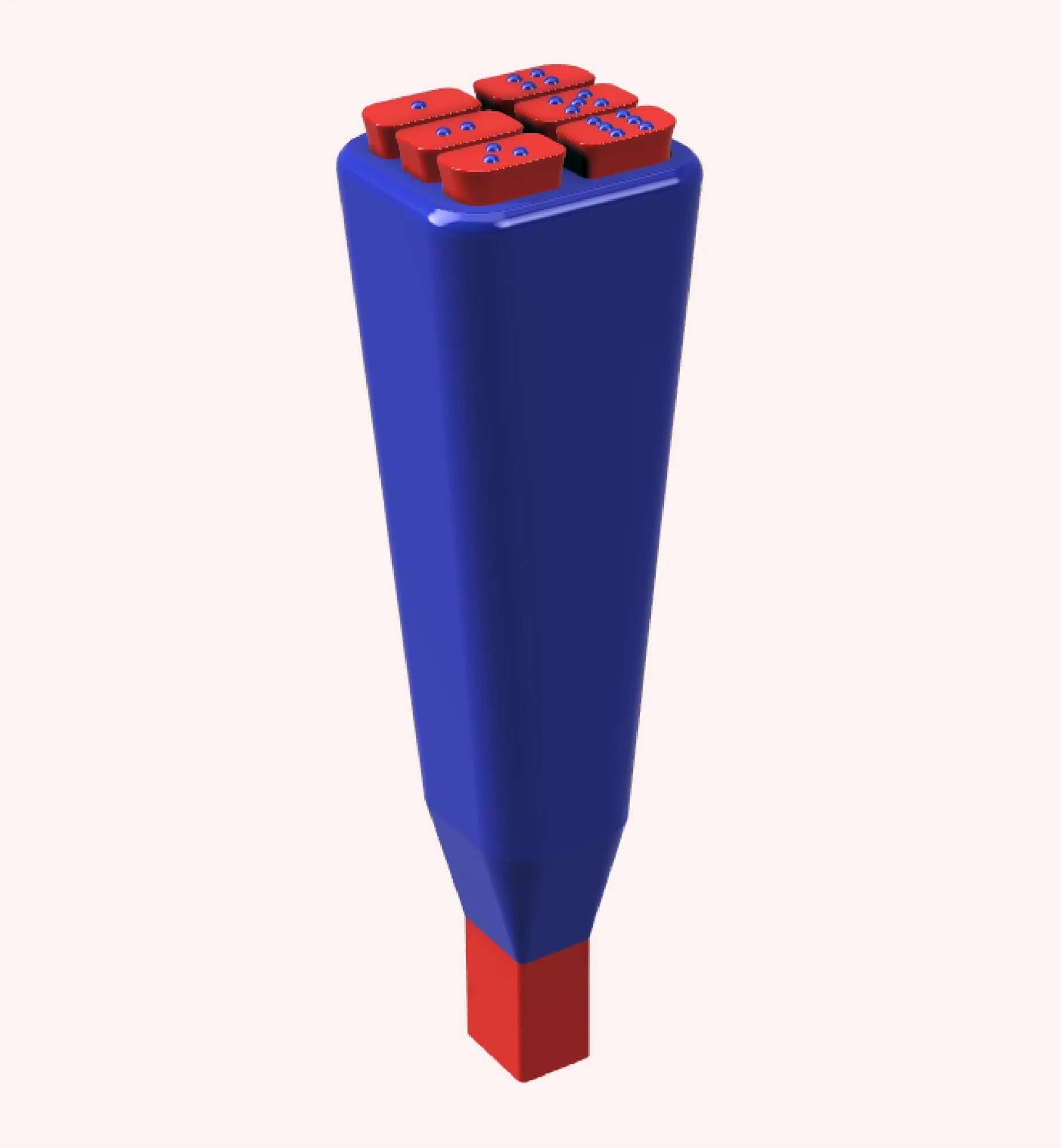
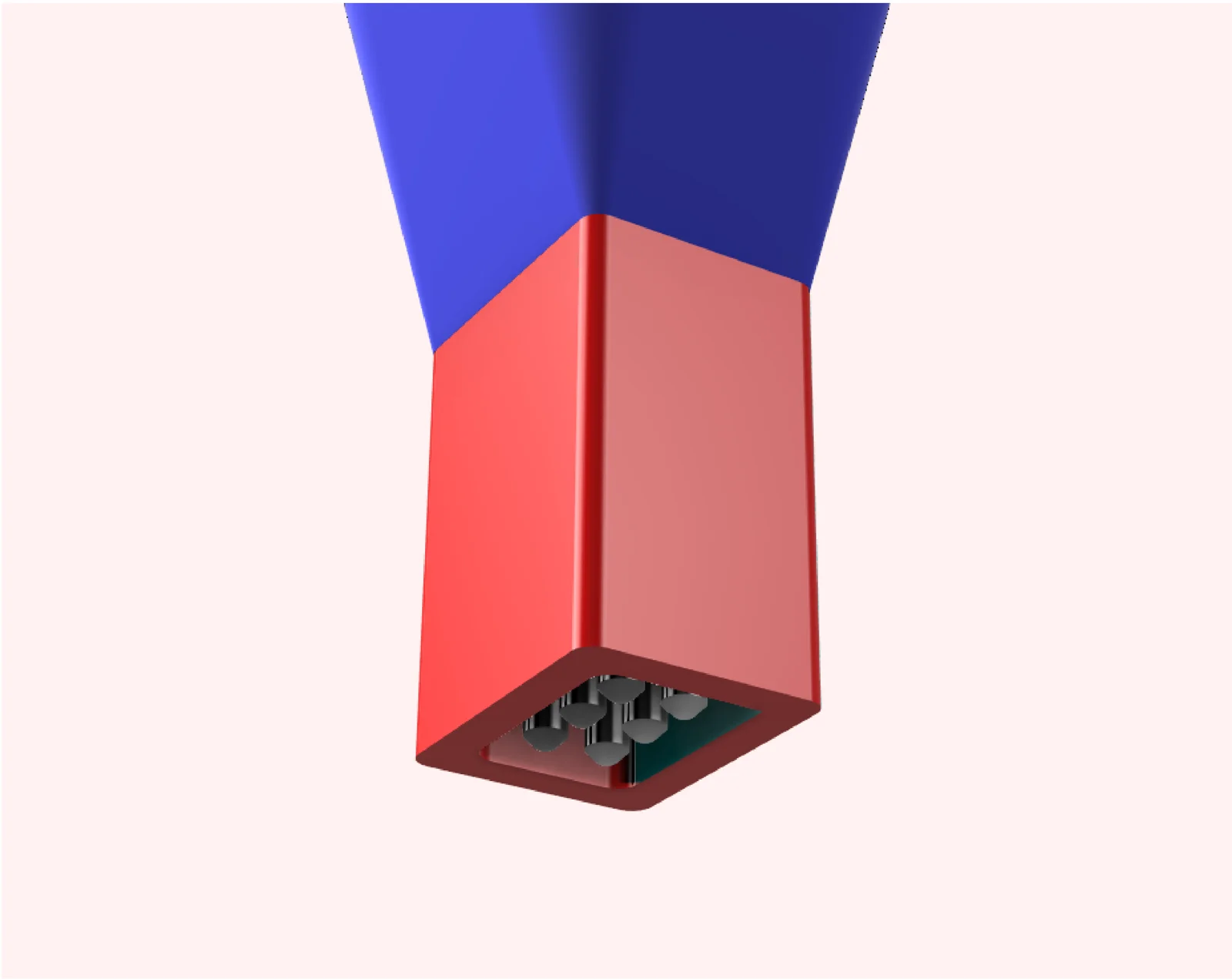
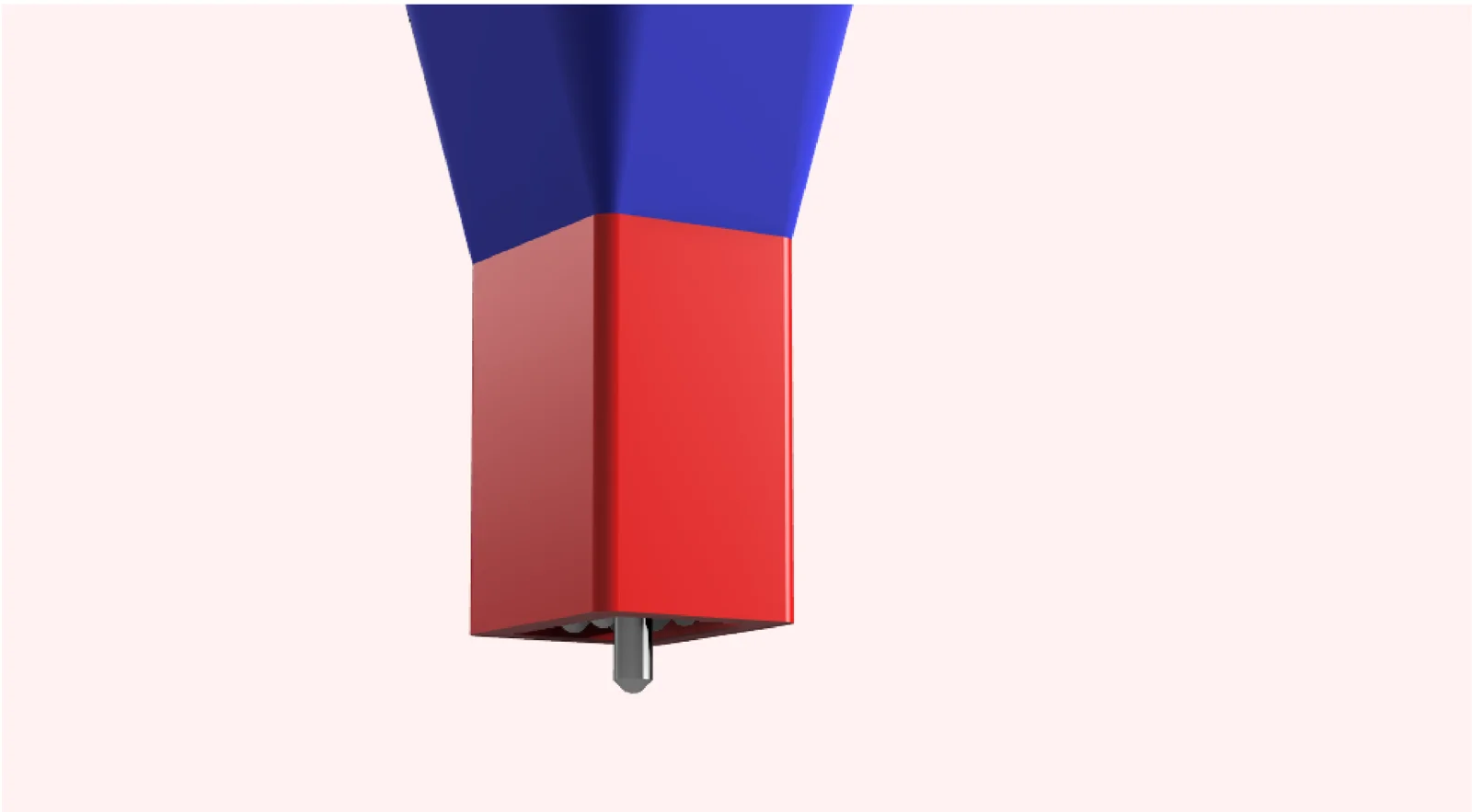
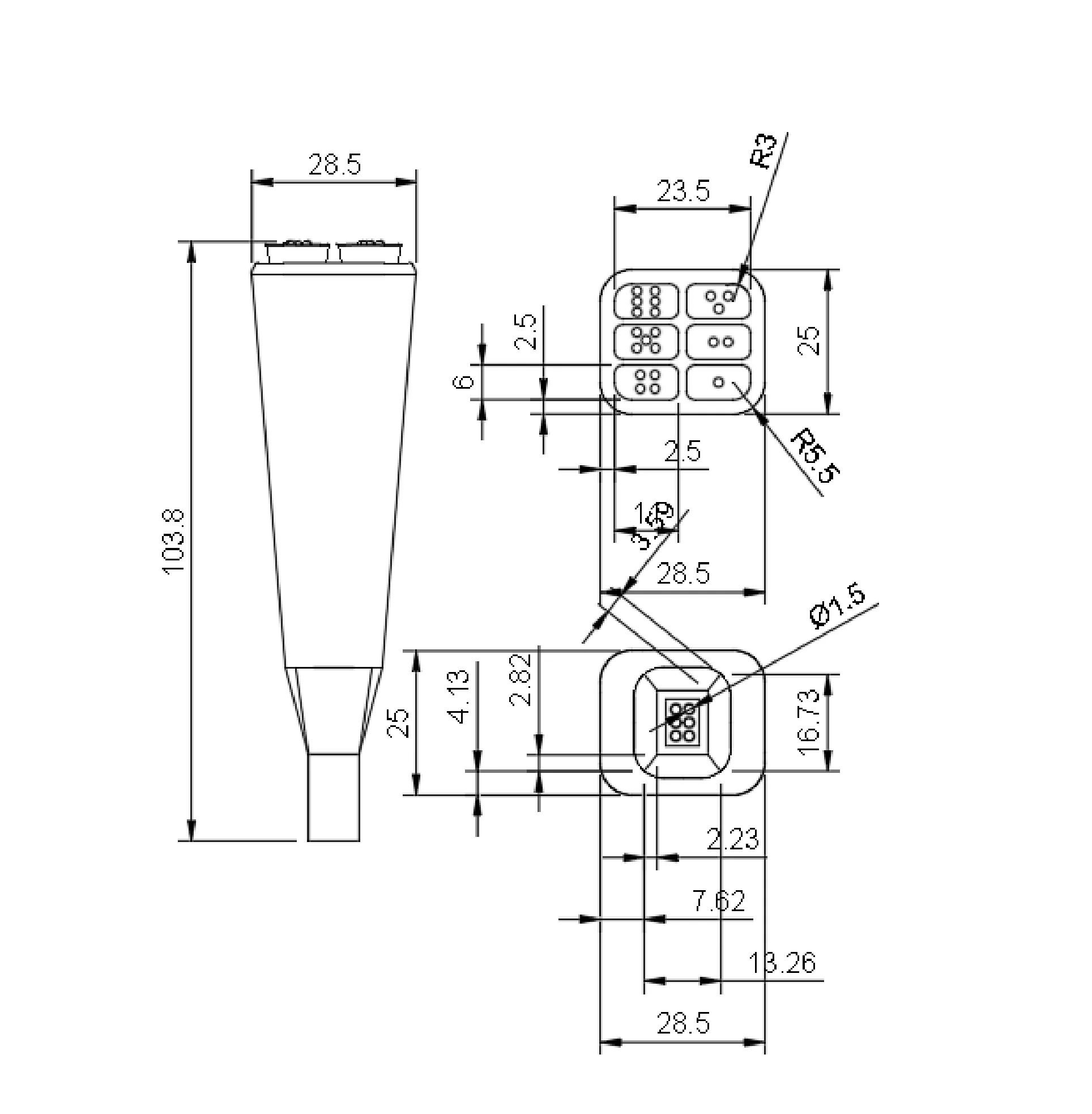
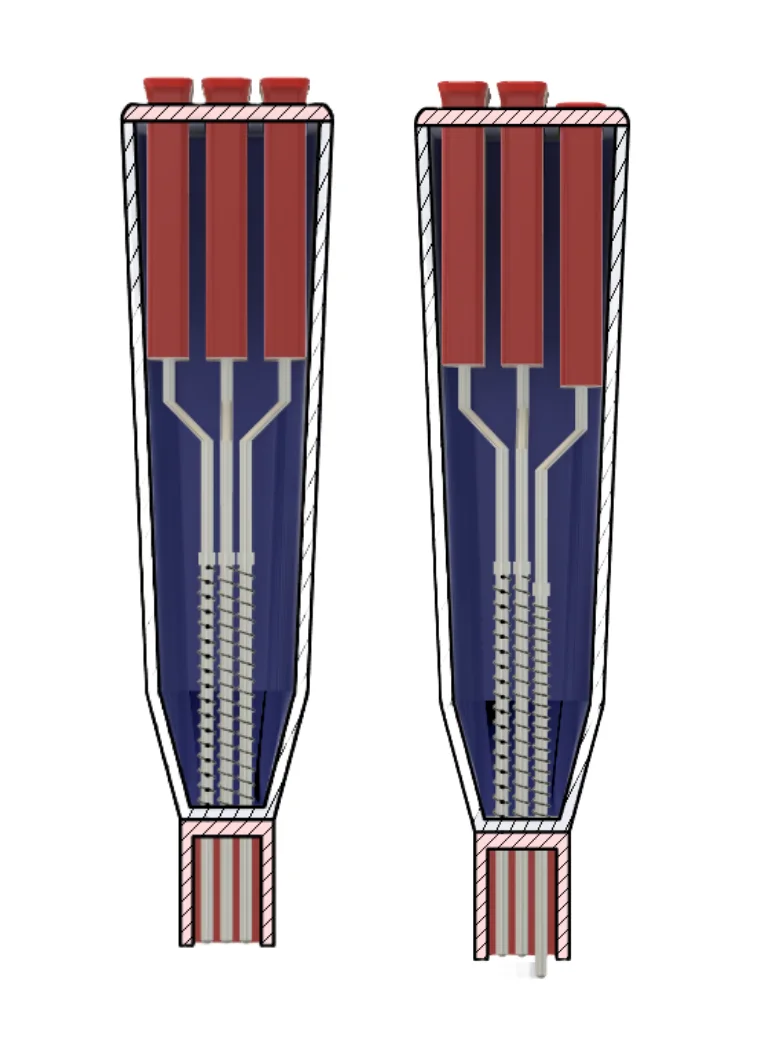
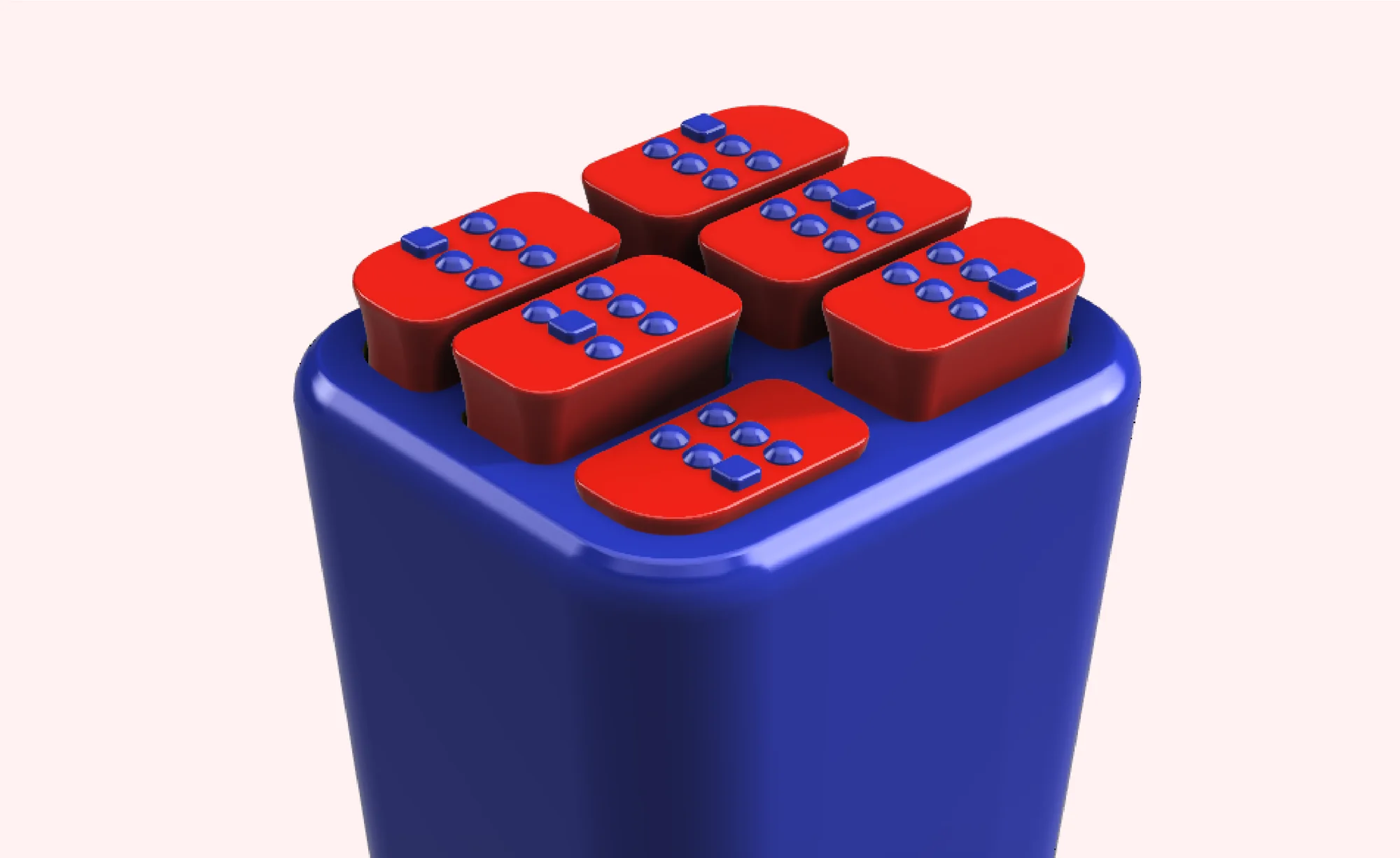
ClickEase is a compact, battery-free concept for Braille writing. Six spring-loaded pins and easy-click buttons are intended to reduce forceful presses, while an alignment frame helps position the dots.
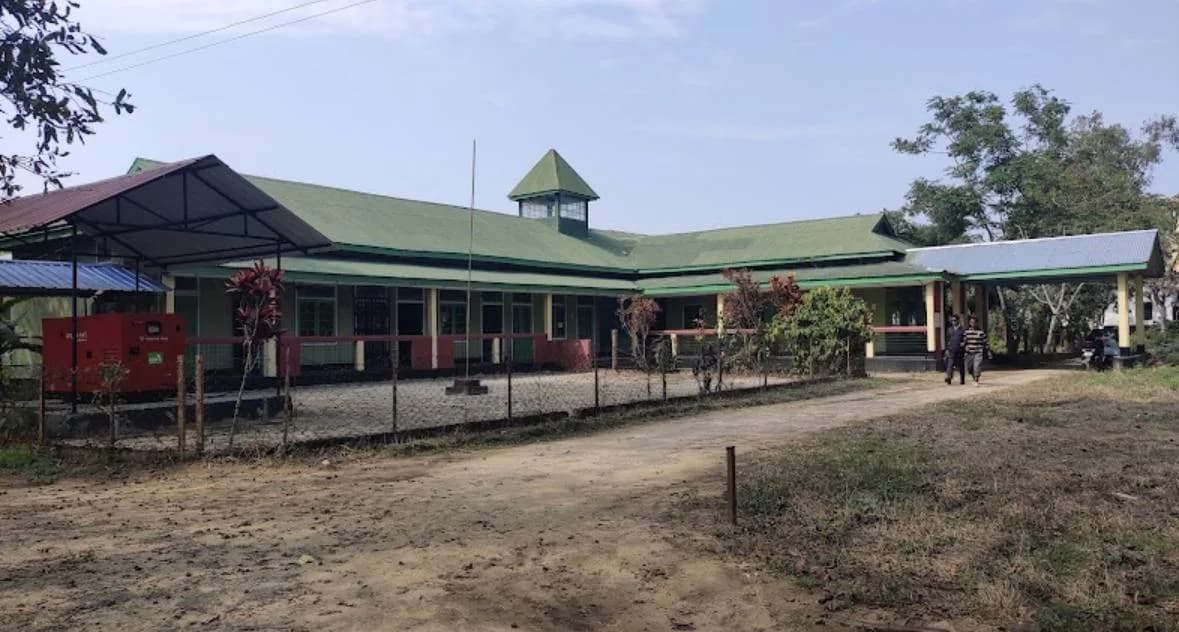
The project began with a visit to Jorhat Blind Institute School and a closer look at the effort involved in writing by hand.
Where it all began
My research started with a broad question: how could design improve the lives of visually impaired people? I explored challenges in mobility, accessibility and education, and initially focused on childhood interactions and social inclusion.
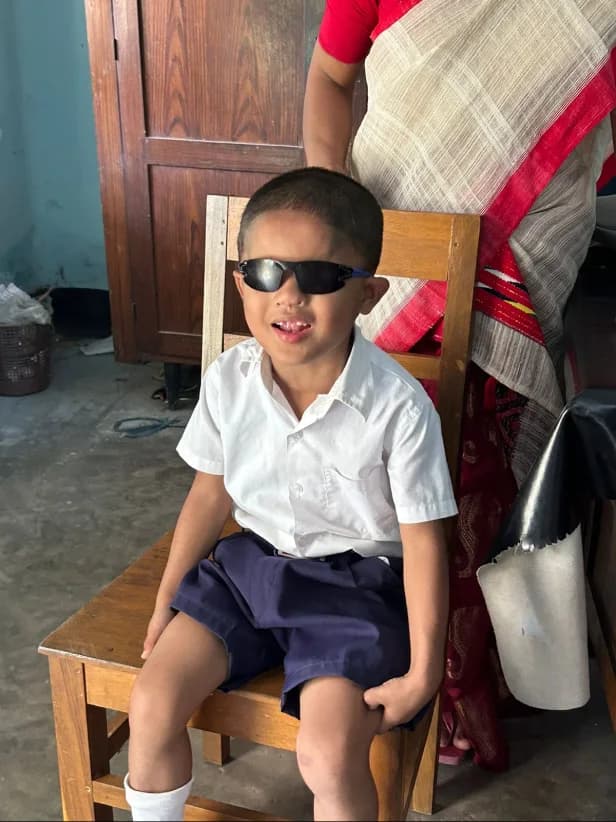
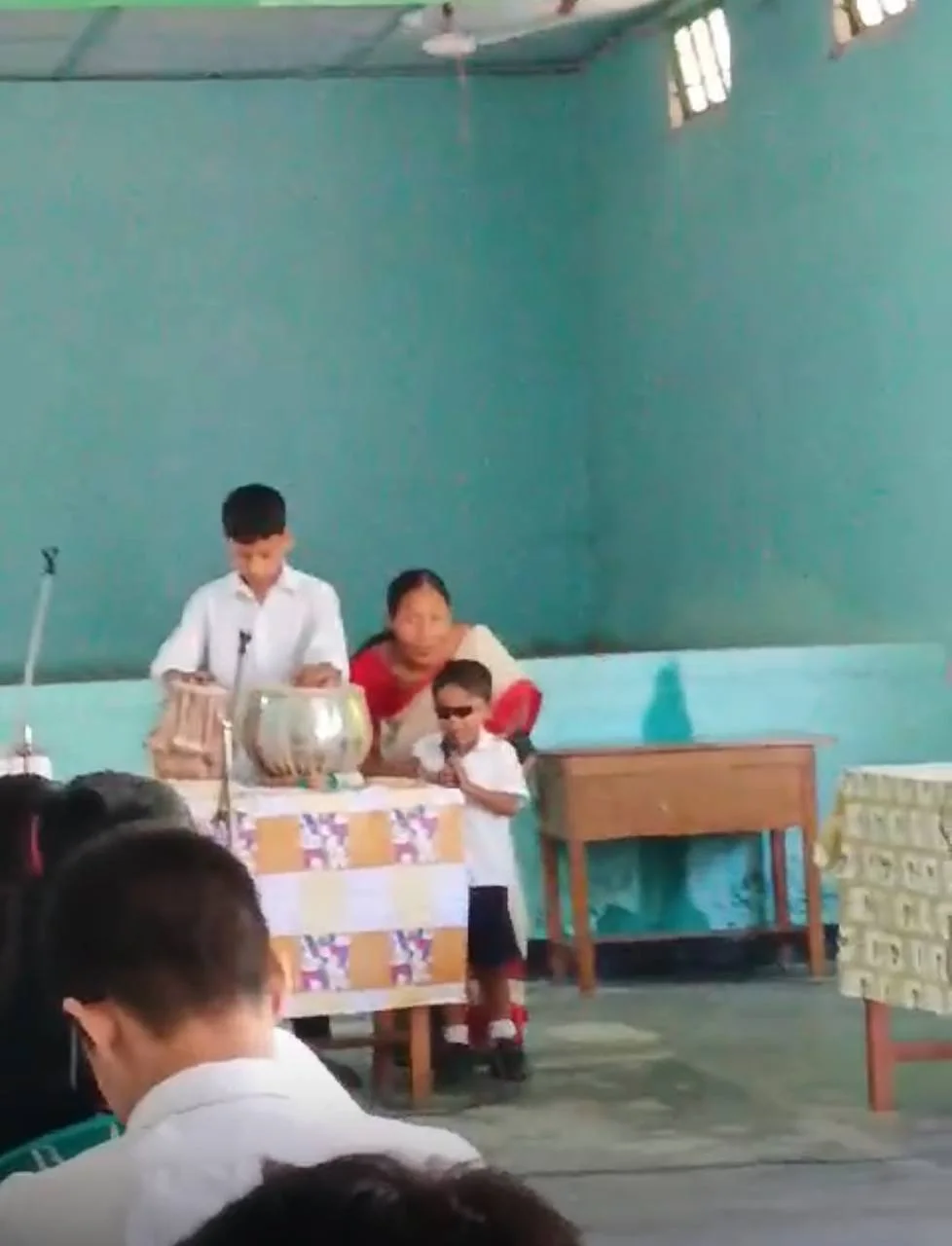
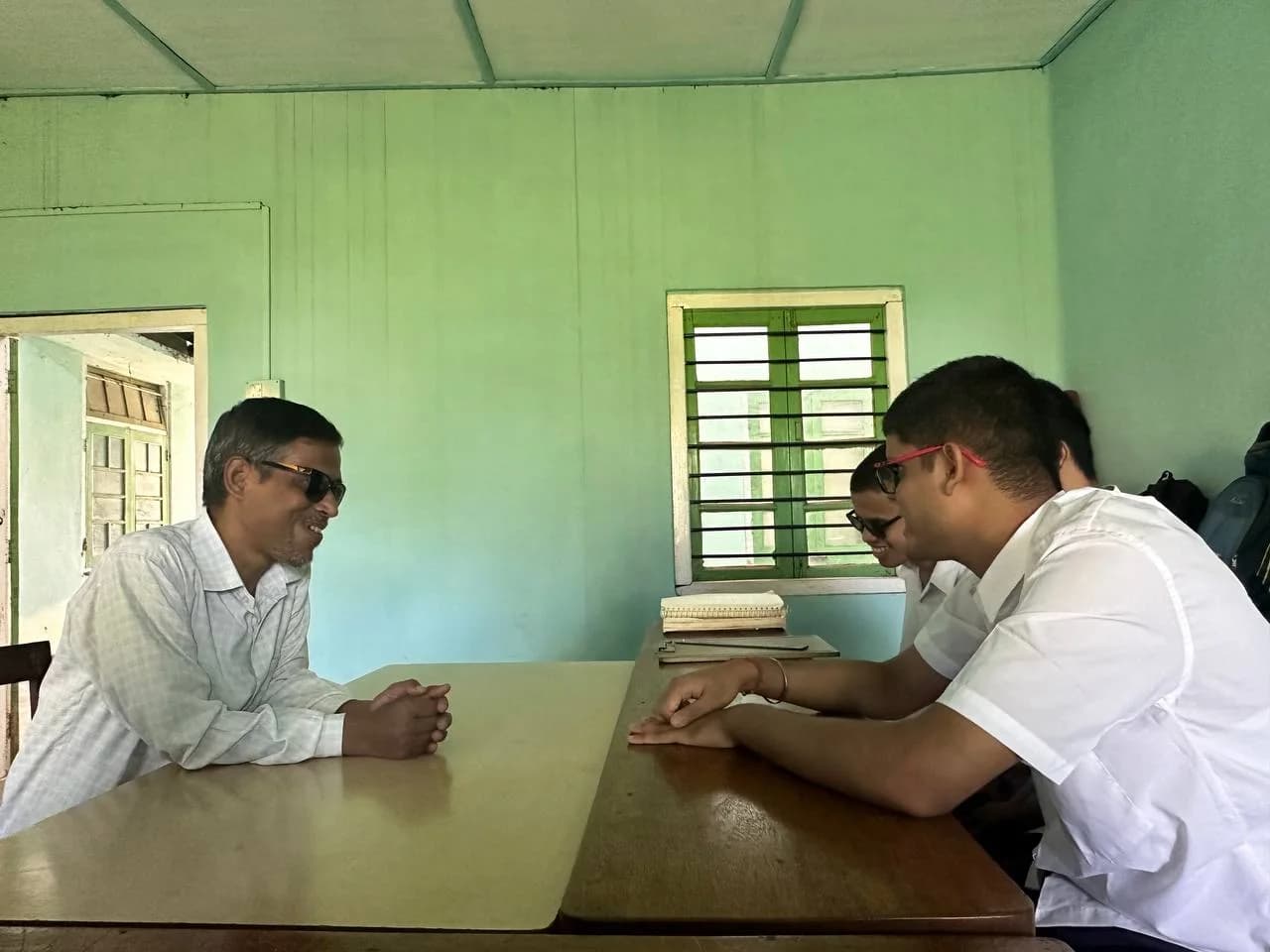
I visited Jorhat Blind Institute School expecting to find gaps in inclusive play. Instead, listening to students and teachers revealed a different challenge: Braille writing.

The effort behind every dot
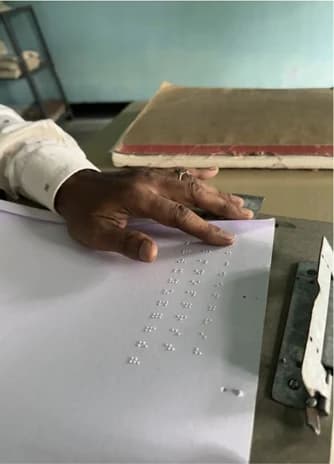
Writing a word meant carefully placing each dot and pressing hard enough to leave a mark. Over time, this became exhausting. A mistake meant starting over, and an injury to a finger or palm could make writing impossible. The difficulty had come to be accepted as simply part of writing Braille.
“Ab isme kya kar sakte hain... Braille toh aise hi likhna padta hai.”
A teacher at the school
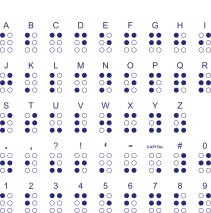
Braille dimensions
Braille script
A closer look at the effort
14 dots just to write “hello”
⠓E
⠑L
⠇L
⠇O
⠕
Each dot is a separate press. Imagine the effort involved in writing a sentence or a page.
What the research revealed
Learning starts early
Children can begin learning Braille as young as four or five.
Tools are not always accessible
Braille slates can be costly and difficult to find.
Writing takes practice
Using a slate requires learning mirrored dot positions.
Repetition creates strain
Writing for long periods can cause hand pain, and an injury can make writing difficult.
How might we reduce hand strain and improve dot placement for a more comfortable Braille writing experience?
Understanding the tools and exploring alternatives
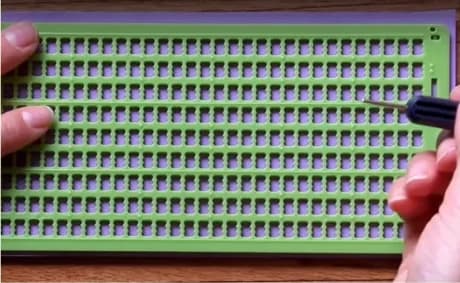
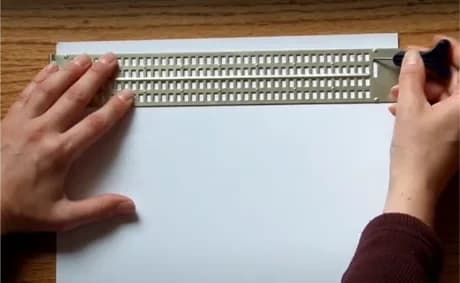
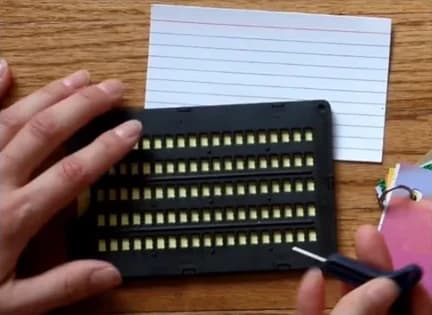
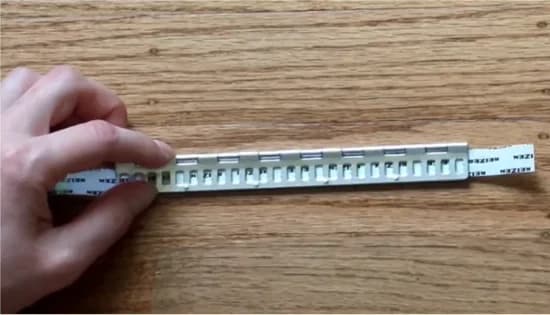
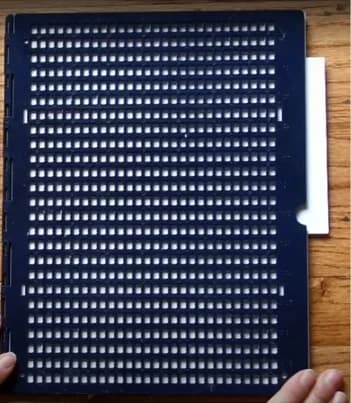
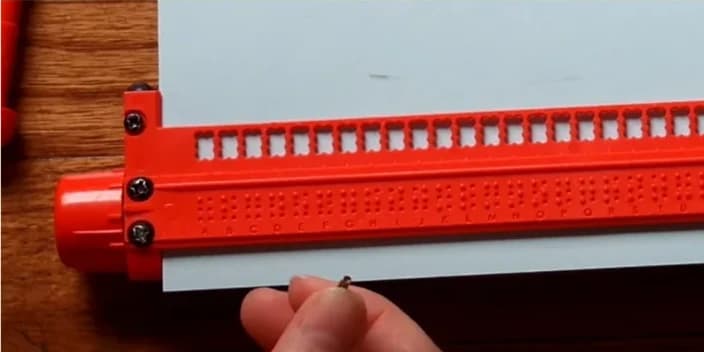
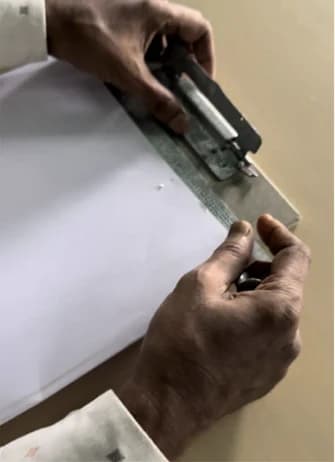
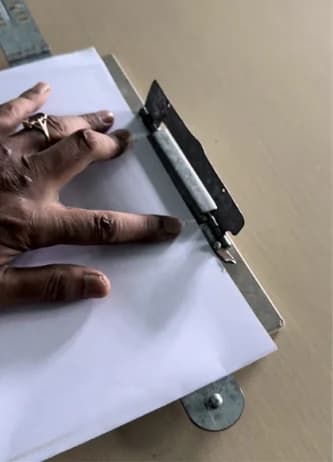
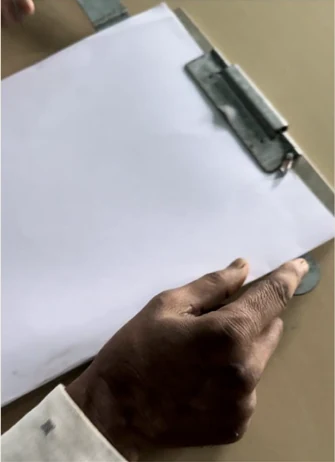
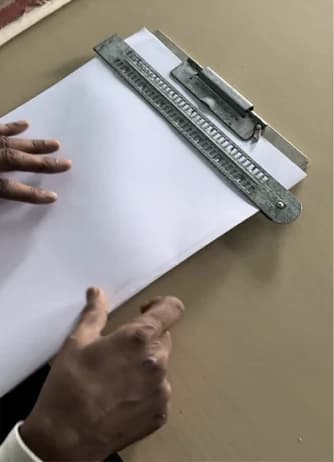
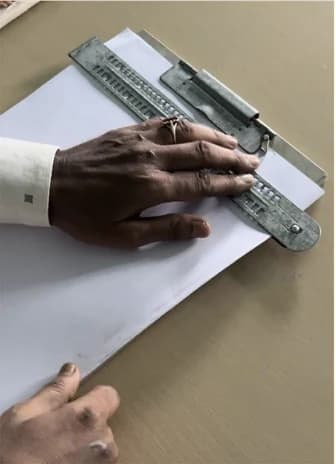
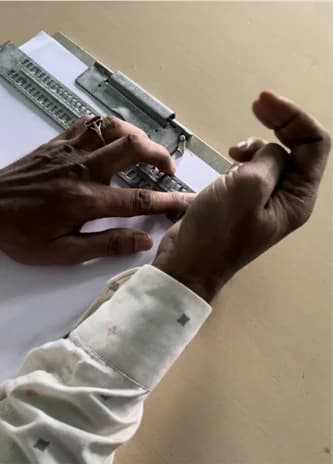
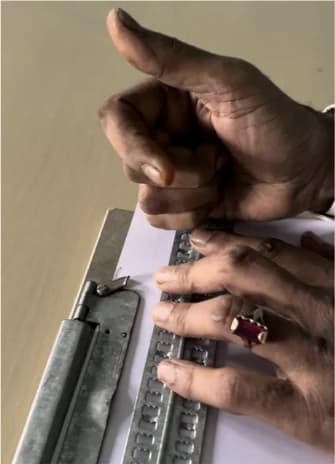
I looked at different Braille slates and observed how a slate and stylus are used. The process brought together alignment, repeated pressure and careful dot placement.
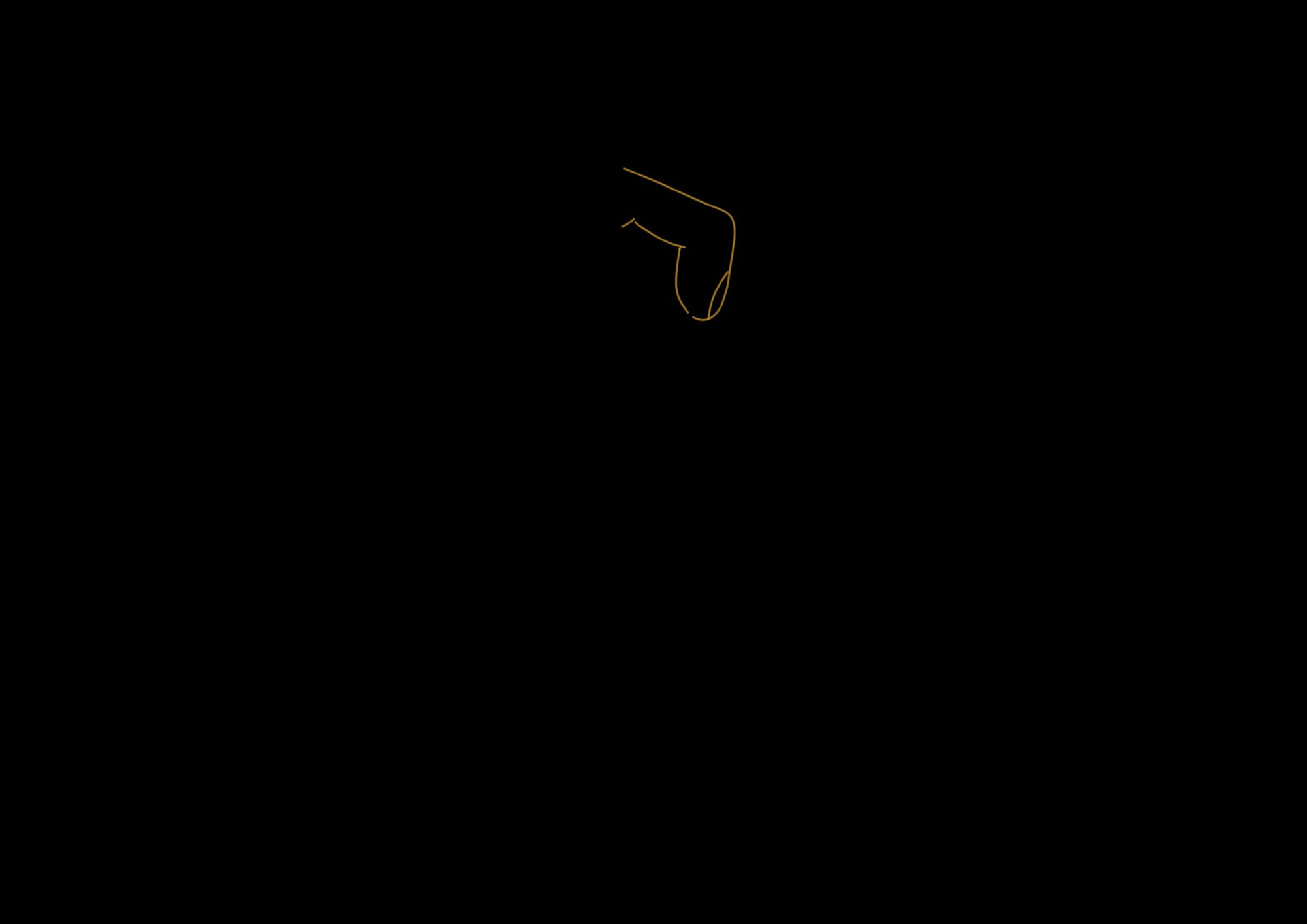
From there, I sketched ideas for a tool that could make those repeated actions easier.
Types of Braille slate
View task analysis
Observing how a slate and stylus are used, from setting up the page to reading the embossed dots.
Early ideas
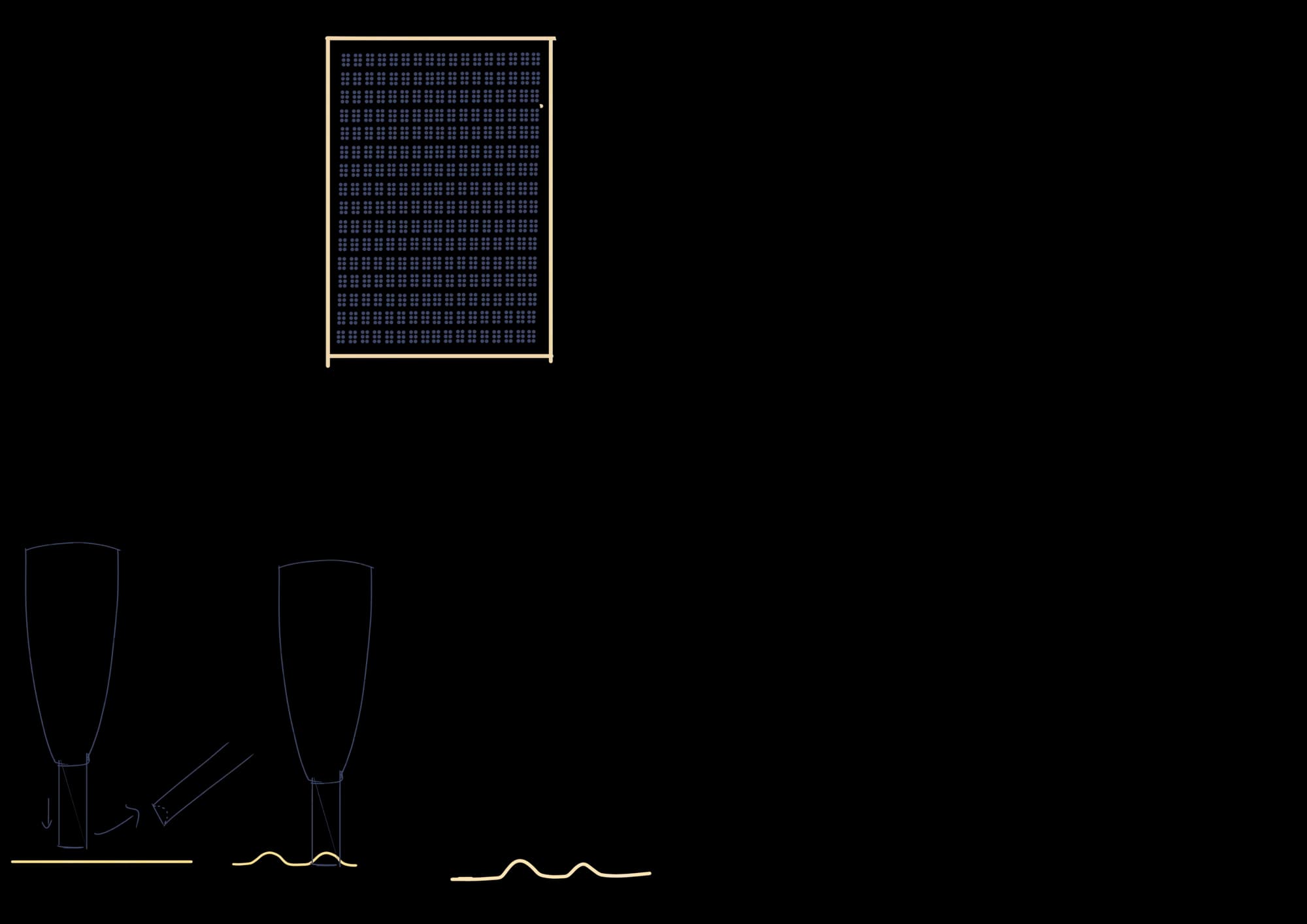

Making ideas tangible
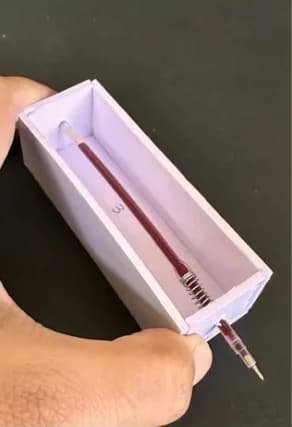
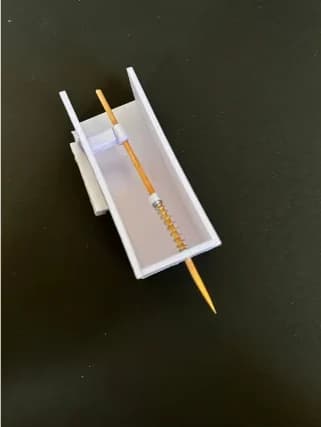
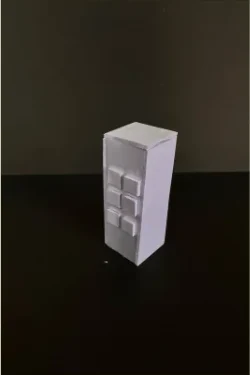
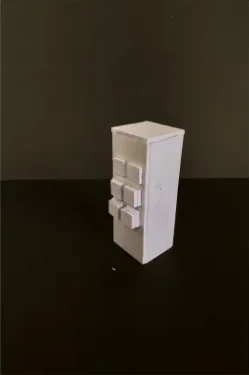
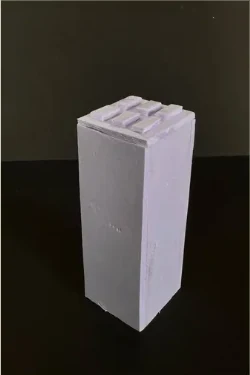
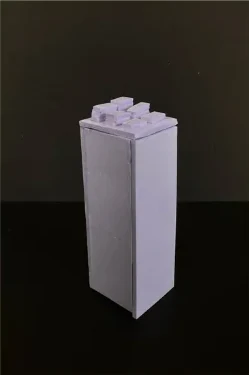
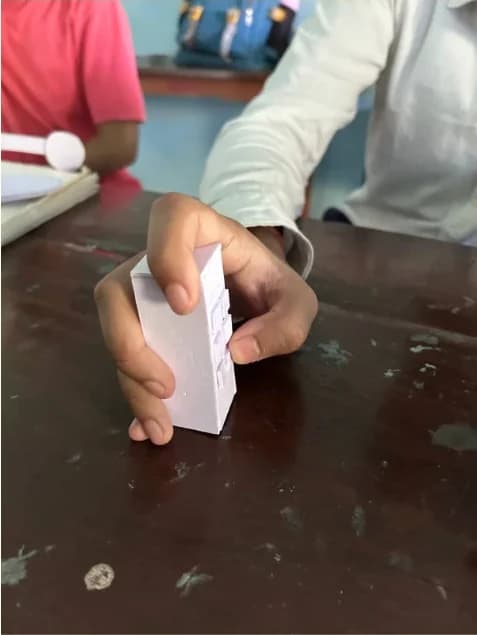
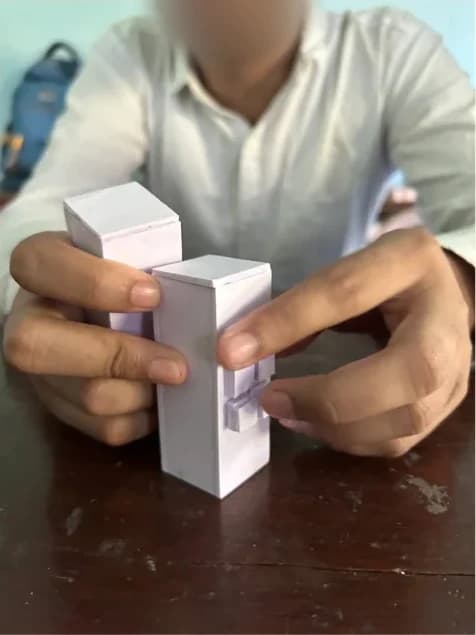
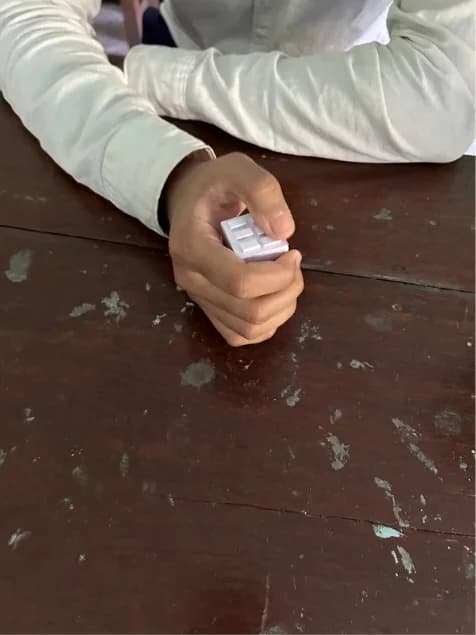
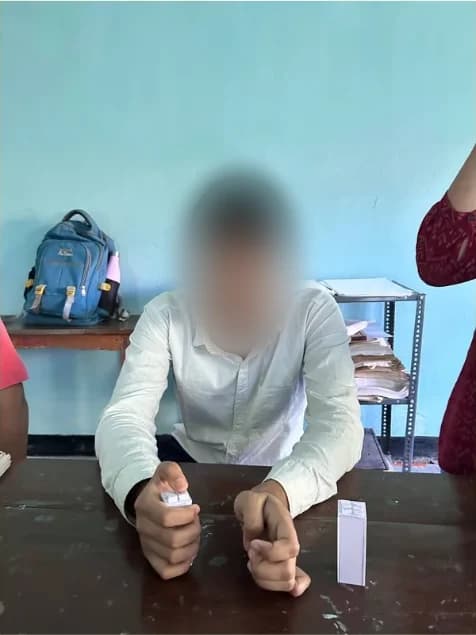
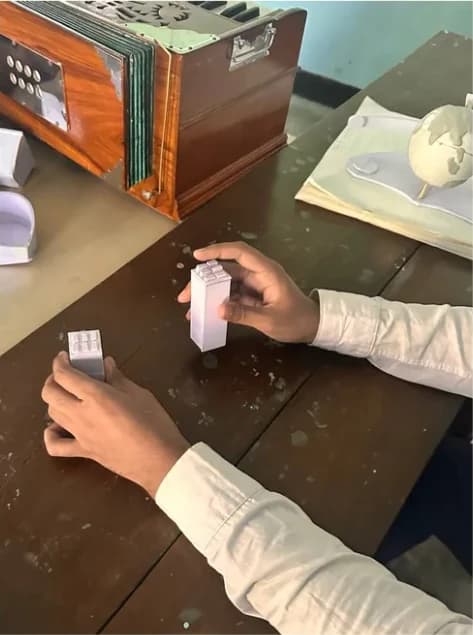
I built simple mock-ups to explore the internal mechanism and different button placements, then shared them with users to understand how each one felt in the hand.
Exploring the mechanism
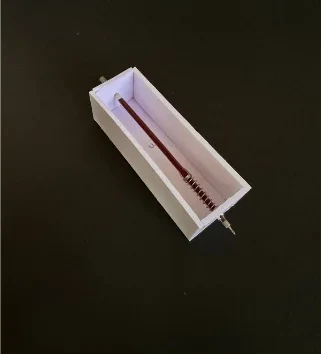
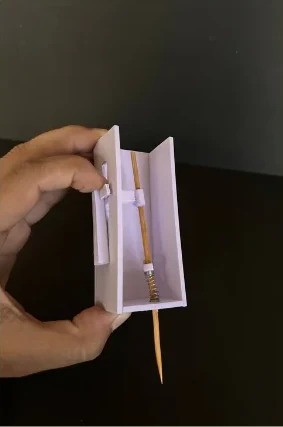
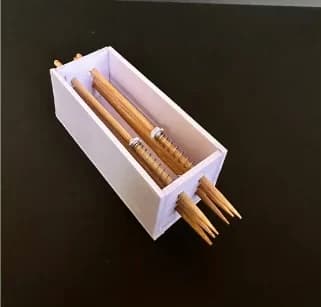
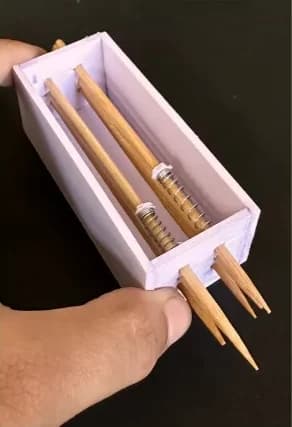
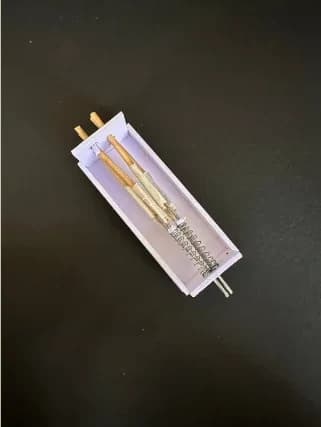
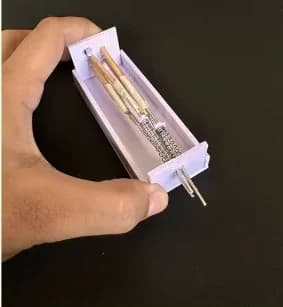
Comparing button placement
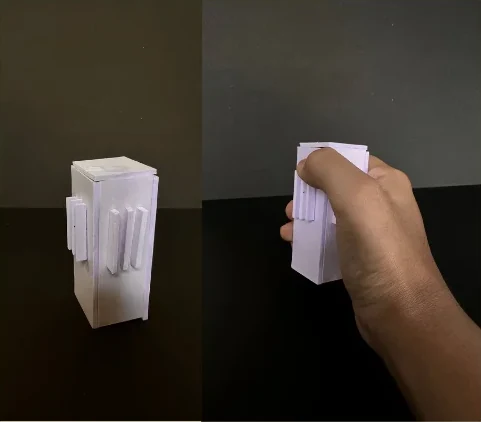
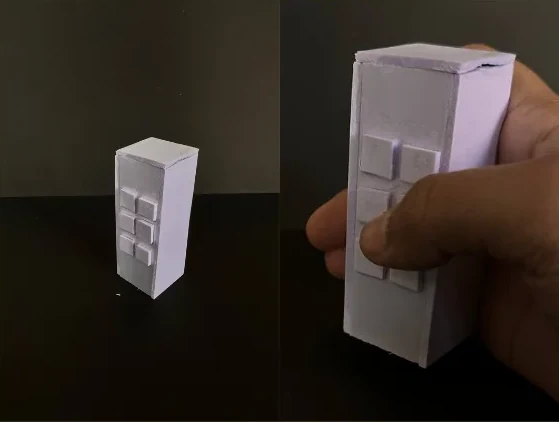
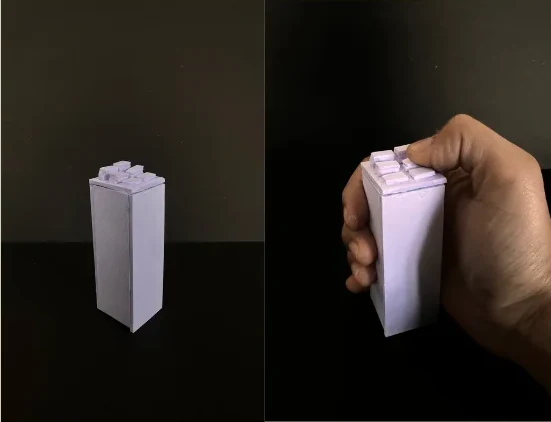
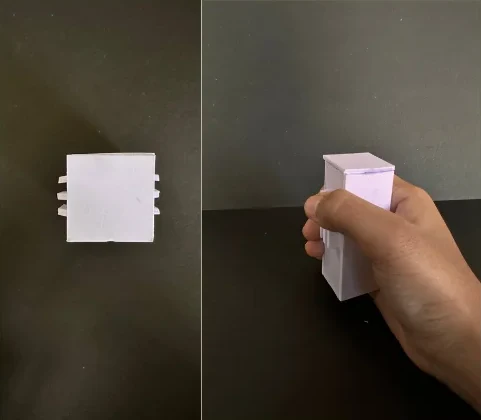
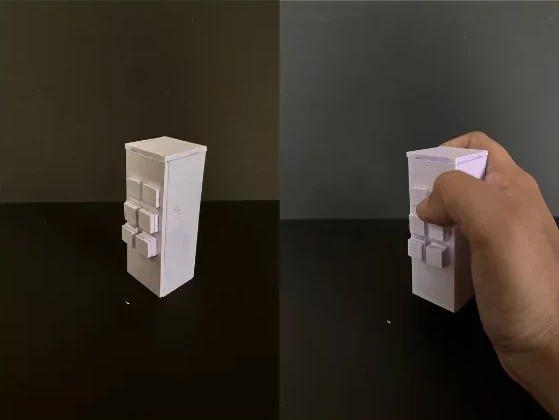
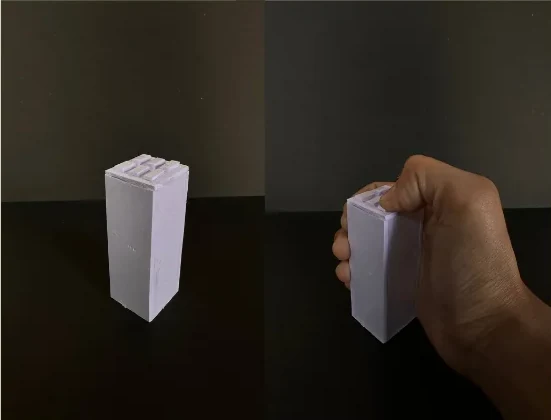
Testing with users
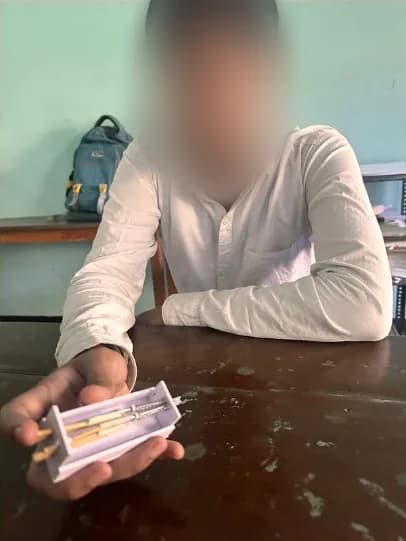
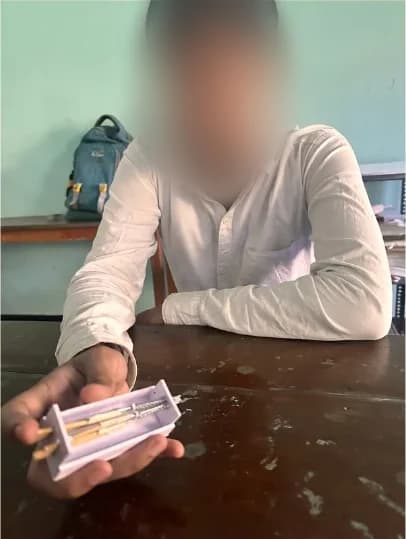
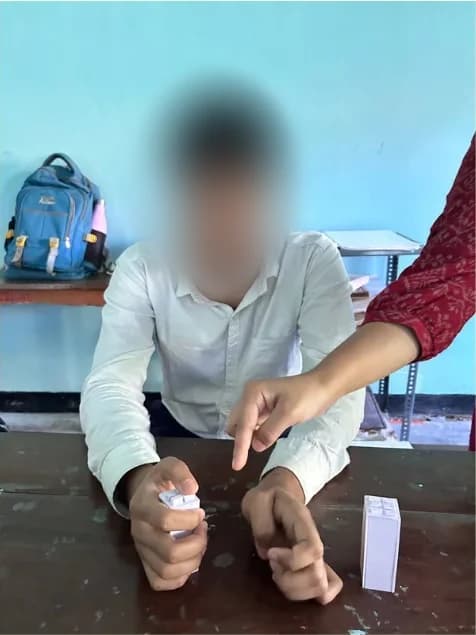
Feedback shaped the next version
Users preferred a button placement that felt easier to hold and operate.
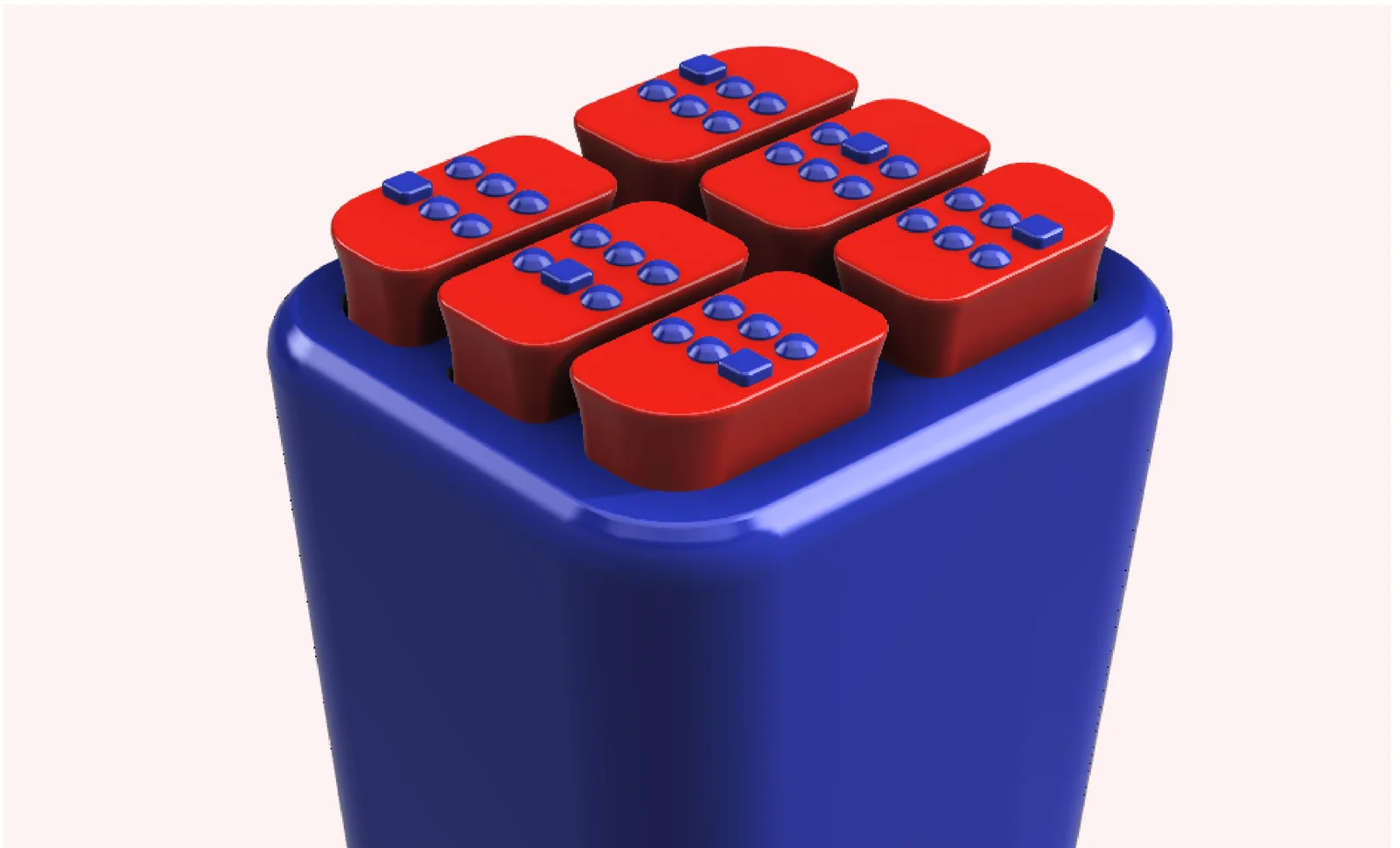
They also suggested embossed markings to help distinguish the buttons by touch.
ClickEase: a more comfortable way to write
Six tactile buttons and spring-loaded pins bring the Braille cell into a compact handheld tool. Raised markings help distinguish each button, while an alignment frame guides dot placement.
The battery-free concept is designed to make writing less physically demanding.
How it works